Windows – Install VirtualBox
Install Virtual Box for Windows https://www.virtualbox.org/wiki/Downl…
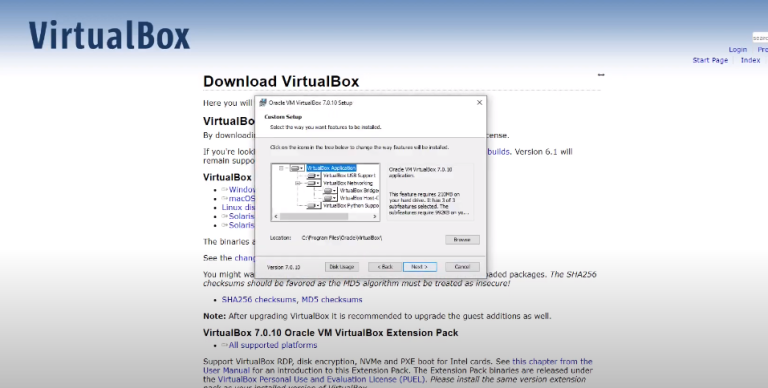
Install Virtual Box for Windows https://www.virtualbox.org/wiki/Downl…
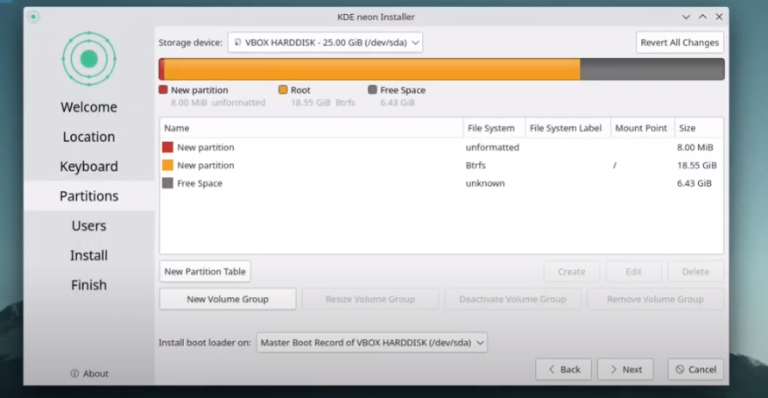
Follow the tutorial • Tuts – Install VirtualBox – KDE neon but on the disk partition choose manual partitioning and then follow this tutorial.
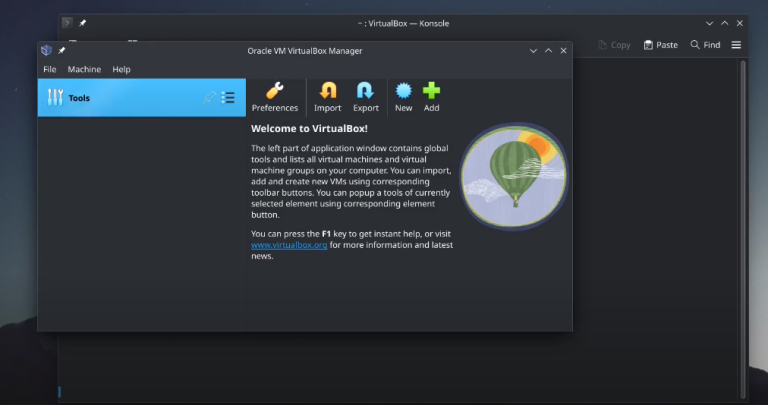
wget O https://www.virtualbox.org/download/o… | sudo gpg –dearmor –yes –output /usr/share/keyrings/oracle-virtualbox-2016.gpg echo “deb [arch=amd64 signed-by=/usr/share/keyrings/oracle-virtualbox-2016.gpg] http://download.virtualbox.org/virtua… $(lsb_release -cs) contrib” | sudo tee /etc/apt/sources.list.d/virtualbox.list sudo apt update sudo apt install virtualbox-7.0 vboxmanage -v | cut -dr -f1 wget https://download.virtualbox.org/virtu… sudo vboxmanage extpack install Oracle_VM_VirtualBox_Extension_Pack-7.0.10.vbox-extpack vboxmanage list extpacks sudo usermod -a -G vboxusers $USER
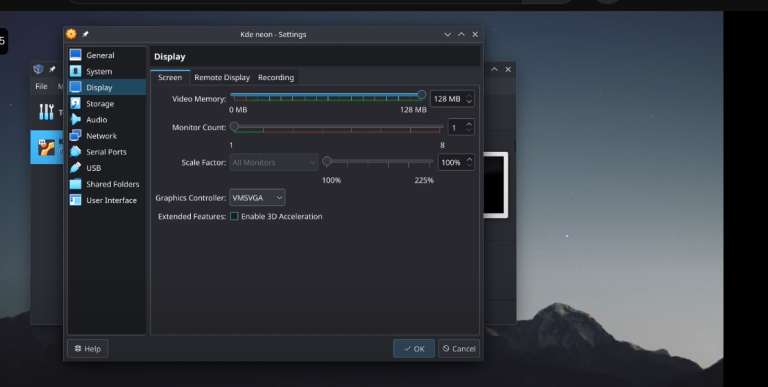
You can use the same method to install it on a bare machine. Create USB ISO on windows – • Tuts – Create an installation USB wit…
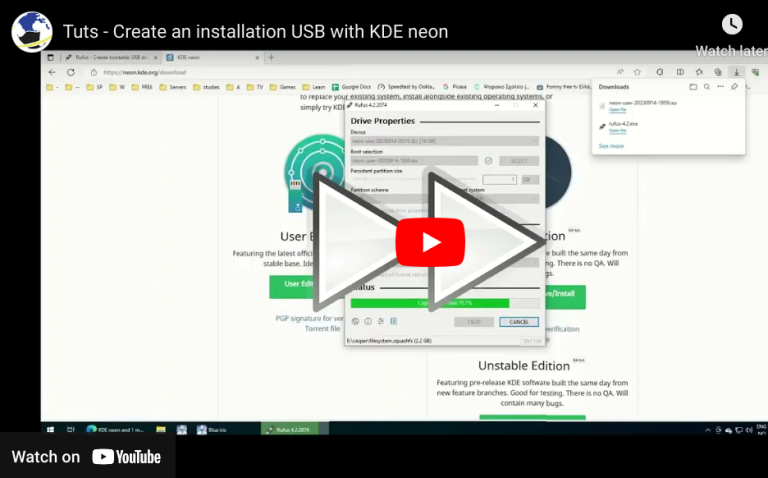
How to create a KDE neon live usb. You can use the same method for other distros URLS: https://rufus.ie/en/ https://neon.kde.org/download